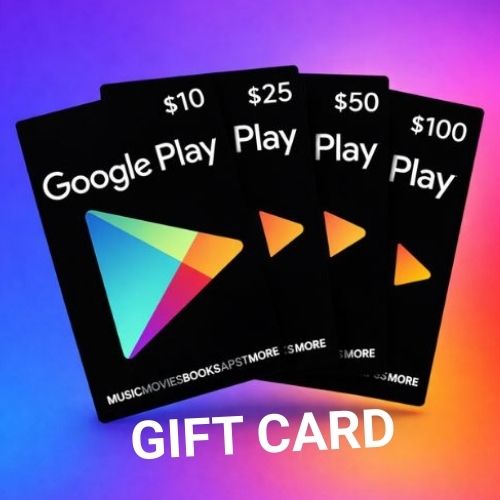
1.What is Google play Gift Card?
A Google Play Gift Card is a prepaid card or digital code that you can use to buy things from the Google Play Store—like apps, games, movies, books, and in-app purchases.
How it works:
You get the gift card (physical or digital).
You redeem the code in your Google account.
The amount is added to your Google Play balance.
You use that balance to buy anything on Google Play.
2.How to Get Google play Gift Card?
Here are the easy and real ways to get a Google Play Gift Card, explained simply:
- Get It as a Gift 🎁
Someone can give you a Google Play gift card for:
Birthday Festival (Eid, Puja, etc.)Reward or surprise
They can send it by email or give you a card. - Buy It from a Store or Online
You can buy Google Play gift cards from:
Supermarkets & mobile shops
Google Play Store (digital gift card)
They come as physical cards or email codes.

3.How to Use Google play Gift Card?
Here is How to Use a Google Play Gift Card, explained in a simple, human way:
Step 1: Get the Gift Card Code
You will find the code:
In your email (for digital gift card)
Or on the back of the physical card (scratch gently to see it)
Step 2: Open Google Play Store
On your Android phone:
Open Google Play Store
Tap your profile picture (top right)
Tap Payments & subscriptions
Tap Redeem code
Step 3: Enter the Code
Type the gift card code and tap Redeem.
4.How to Redeem Google play Gift Card?
Here is How to Redeem a Google Play Gift Card, written in a clear and simple way:
Method 1: Redeem on Android Phone (Most Common)
Step 1: Open Google Play Store
Open the Google Play Store app on your phone.
Step 2: Go to Redeem
Tap your profile picture (top right) → Payments & subscriptions → Redeem code
Step 3: Enter the Code
Type the gift card code and tap Redeem.